
Most AI-generated images are practically useless for serious content. You know exactly what I am talking about.
They take too long to get right. The text looks like alien scribbles. And half the time, the model completely ignores the most crucial part of your prompt. We settle for "good enough" because we don't want to wait another two minutes for a progress bar to finish.
Google just shifted the baseline. Nano Banana 2 is out, and it is not just a minor software update. It is a structural change to how we generate visual assets for the web. It replaces the older Nano Banana and Nano Banana Pro models across Gemini and other Google services.
Let's strip away the corporate marketing fluff. We need to look at what this model actually does, how it breaks the current workflow, and why clinging to your old prompting habits is going to leave your content looking dated.
The Real Deal about Nano Banana 2
Here is the underlying architecture shift. Nano Banana 2 is essentially a hybrid beast.
Google took the heavy-hitting, complex capabilities of their top-tier "Pro" models and jammed them into the lightweight, high-speed framework of their "Flash" models.
What does that actually mean for you on a Tuesday morning when you need a header image? Pure speed.
Images spit out noticeably quicker than they did with the earlier Nano Banana or Nano Banana Pro versions. You aren't sitting around waiting anymore. You are iterating. This model was explicitly designed to handle both the casual user firing off prompts in the Gemini app and the heavy-duty enterprise developer hooking into Google Cloud.
And the quality didn't take a hit for the sake of speed. It pumps out resolutions starting from a basic 512 pixels all the way up to a sharp 4K. The details are significantly sharper, the lighting makes actual physical sense, and the textures aren't reduced to muddy, smoothed-out plastic.
Why Most Image Generation Strategies Fail
Here is the problem with how most people use AI for images. They treat it like a slot machine. You pull the lever, close your eyes, and hope for a jackpot.
When you use slow models, you get attached to mediocre results. You compromise your vision because the friction of trying again is just too high.
Nano Banana 2 forces a radically different workflow. Because it follows complex instructions and multi-step directions far better than its predecessors, you can actually art-direct the output. It handles dense scenes packed with multiple specific objects without conveniently "forgetting" what you asked for in the second half of your prompt.
The Text-in-Image Nightmare (Finally Fixed)
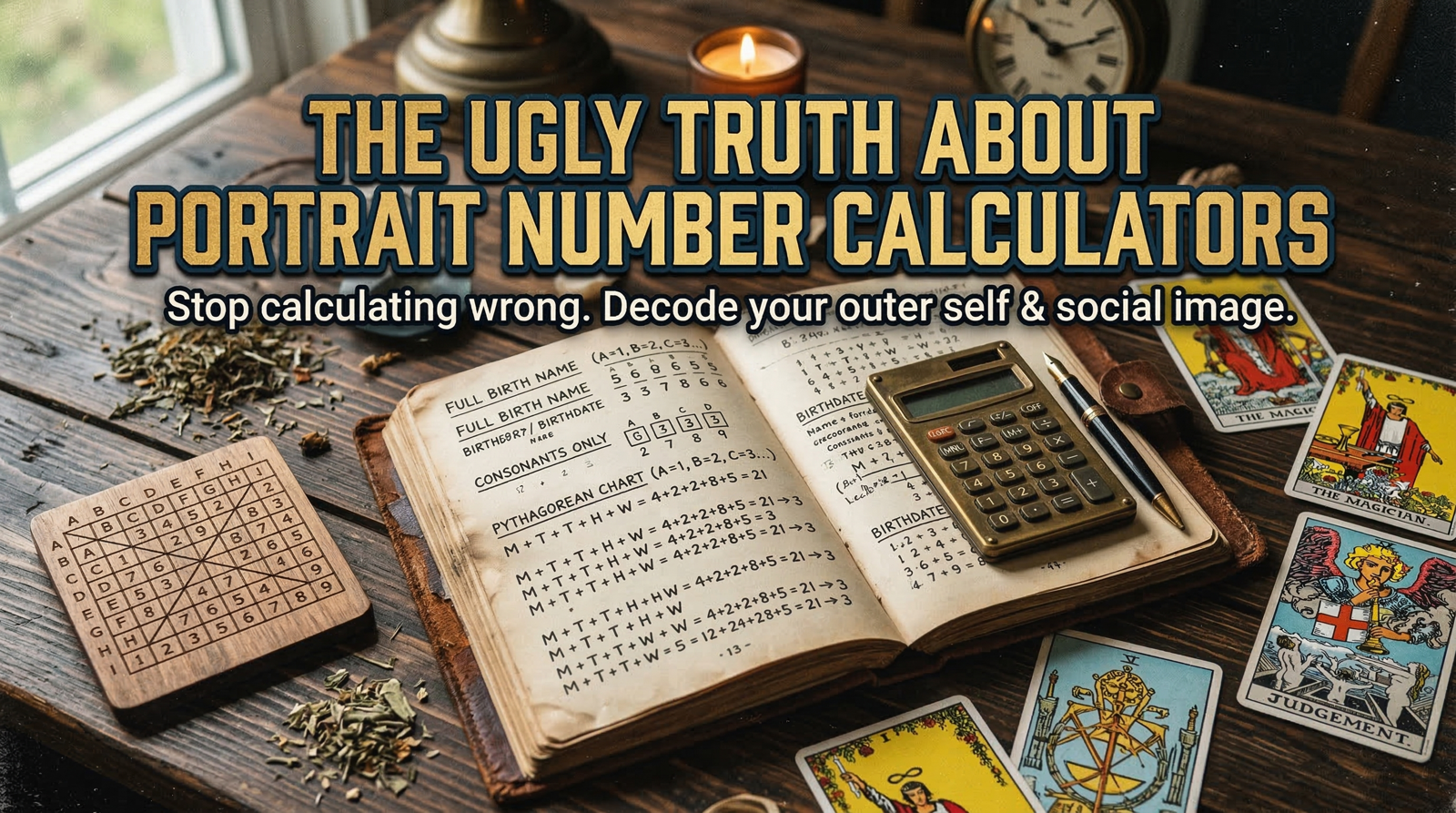
This is the big one. If you have ever tried to make a poster, a chart, or a meme with AI, you know the absolute pain of spell-checking a machine. Diffusion models historically suck at rendering discrete characters.
Nano Banana 2 brings a massive upgrade to rendering actual, readable, accurate text. Labels, signs, and diagrams finally look legible instead of resembling some cursed, forgotten dialect. It effectively fixes the notorious "gibberish text" issue that has plagued AI images for years.
But let's be real for a second. If you are building an entire brand campaign where the typography needs absolute, flawless execution and strict stylistic adherence to a brand book, relying entirely on a fast consumer model is risky. For those heavy-lifting tasks, firing up a dedicated Nano Banana 2 Pro generator to retain maximum creative control is still the smart play. But for 90% of daily blog content and social media needs? The new text capabilities are more than enough to get the job done.
Actionable Steps (That Actually Work)
You cannot just type "cool cyberpunk city, neon" and expect magic anymore. The model is smarter. Your prompts need to evolve.
Leverage Live Data: Stop relying entirely on your own descriptive vocabulary. Nano Banana 2 actively uses live web and Gemini data to inform its outputs. It understands up-to-date references and highly specific subjects far better than isolated, offline models. Tell it exactly what current cultural or factual thing you want it to reference.
Push the Complexity: Stop holding back. Give it multi-step directions. Place objects specifically in the foreground and background. The model handles strict instructions reliably now. If you aren't testing its limits, you are wasting its potential.
Exploit the Cost Drop: If you are a developer or building automated content pipelines, pay attention to the math. On Google's AI platforms, Nano Banana 2 is significantly cheaper per image than Nano Banana Pro. The input and output image prices have been roughly halved. This completely changes the ROI on generating bulk visuals for programmatic SEO.
The "Pro" vs "2" Dilemma
Right now, Nano Banana 2 has aggressively replaced Pro as the default across the Gemini app's Fast, Thinking, and Pro modes. It is the new standard for Google Search's image-generation features too. Enterprise users can tap into it via Vertex AI, AI Studio, and various SDKs.
So, is the Pro model dead? Not exactly.
Nano Banana 2 is optimized for fast generation, precise prompt-following, and grounded image search. It is the perfect default. But Nano Banana Pro still holds the crown for tasks requiring maximum factual precision and extremely tight creative boundaries.
Paid subscribers still have the option to switch back to Pro for highly specialized work. If you are running an agency, generating medical illustrations, or building complex creative assets where a single hallucinated detail ruins the project, having access to a robust Nano Banana 2 Pro image creation tool remains a critical part of your tech stack. You use the fast model for rapid ideation and storyboarding, and the Pro model for the final, precise execution.
Wrapping Up
The market just shifted beneath our feet. Speed, reliable text rendering, and high instruction fidelity are the new baseline for visual content. Stop fighting with old, slow models that ignore your prompts. Adapt your workflow to take advantage of live web knowledge, push for 4K resolutions, and stop accepting gibberish text on your graphics. The tools just got significantly better. Now it is entirely on you to use them right.


Write a comment ...